Foto: Wedding Planner: Van der Weyden Feestarchitekt - Photographer: LUX Visual Storytellers
How can you use a QR code at your wedding?
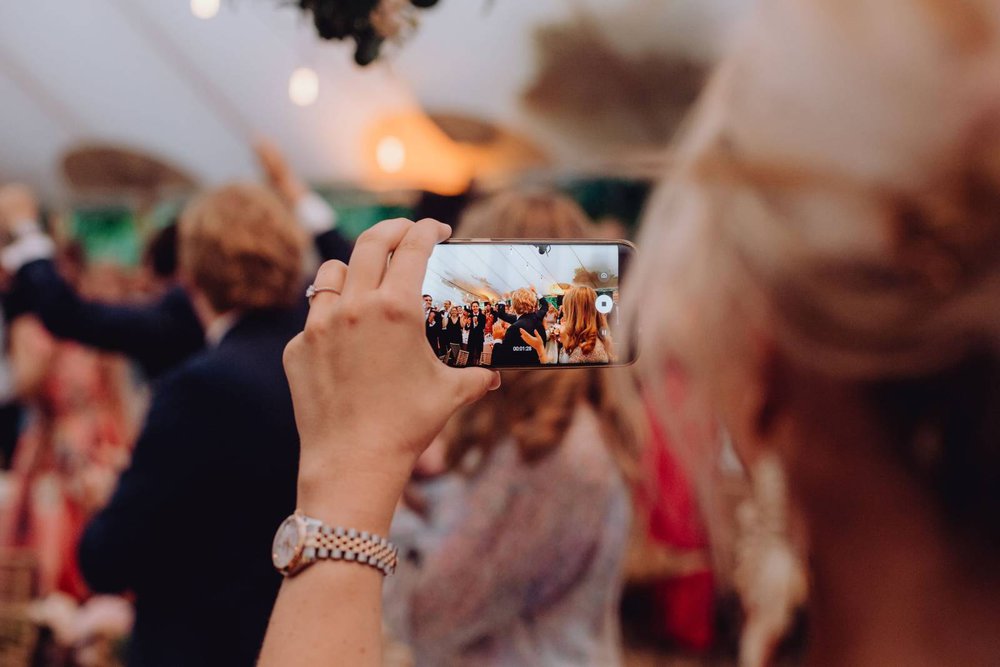
Allow your guests to upload their photos taken during your wedding day to a shared gallery.
Provide your guests with access to the day's program.
Let your guests leave a wish in a digital guestbook.
Include a QR code on your wedding invitation beforehand, with a link to your online RSVP tool so invitees can quickly and easily confirm their attendance. Other fun ideas include a link to your wedding website with all the information or a link to a Spotify playlist where they can suggest songs for the DJ.
After your wedding, you can also use a QR code in your thank-you cards to share your wedding video or photo gallery, creating a lasting memory.
What should you write on the card with the QR code?
Place the QR code on a card with some explanatory text. Here are a few examples:
"Scan here and share your best photos with us!"
"Welcome to our story – scan for all the day's details."
"Leave a wish! Scan the QR code for our digital guestbook."
Use text that matches your wedding theme or style. For example, if you have a travel theme, you could write: "Welcome aboard our love journey. Scan and upload your best moments!"
Presentation tips for the QR code at your wedding
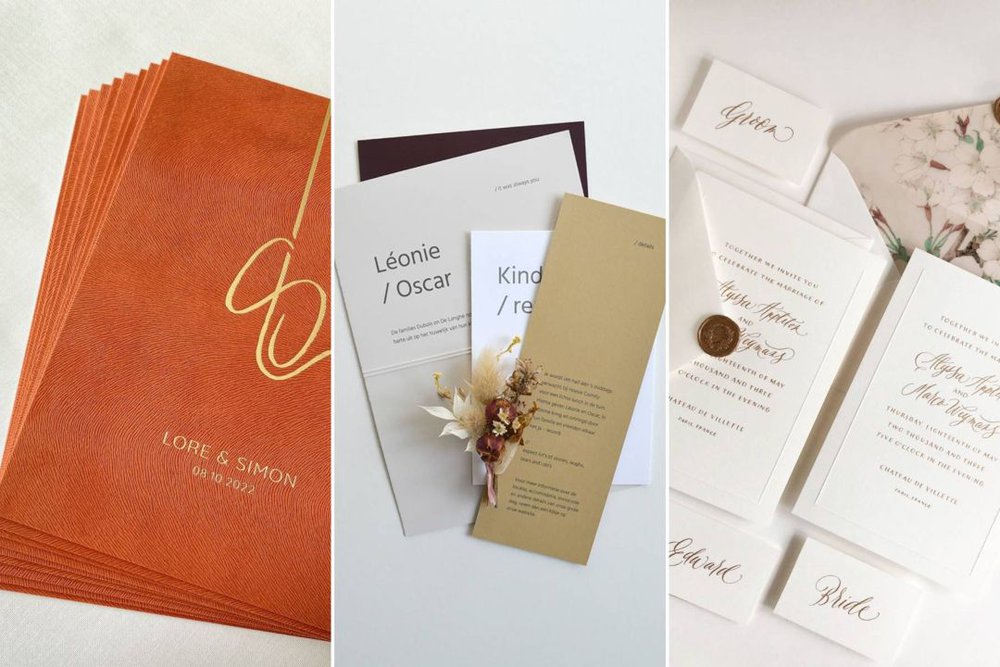
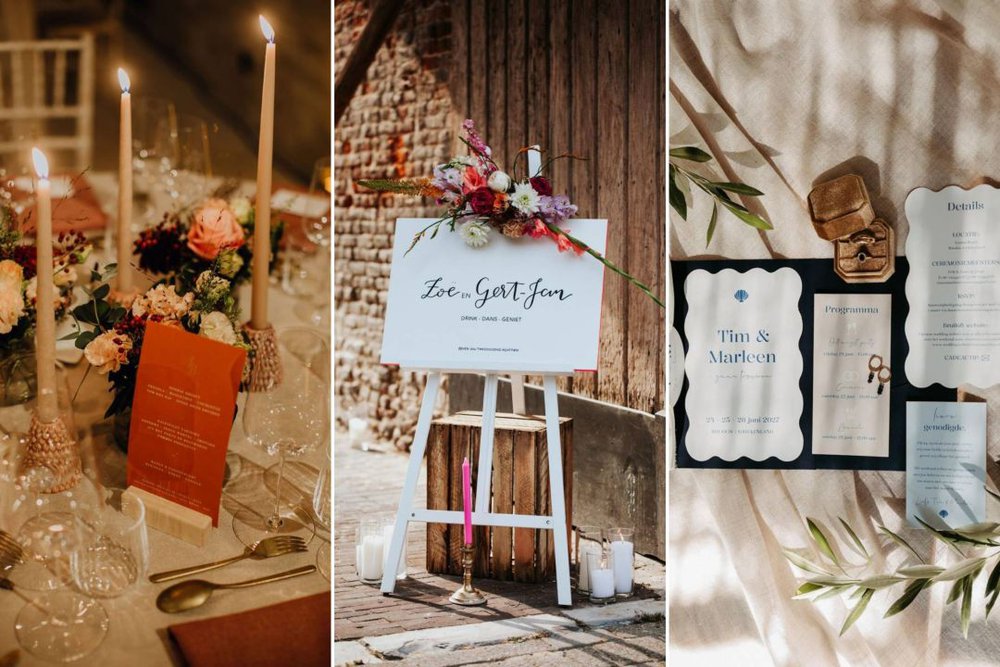
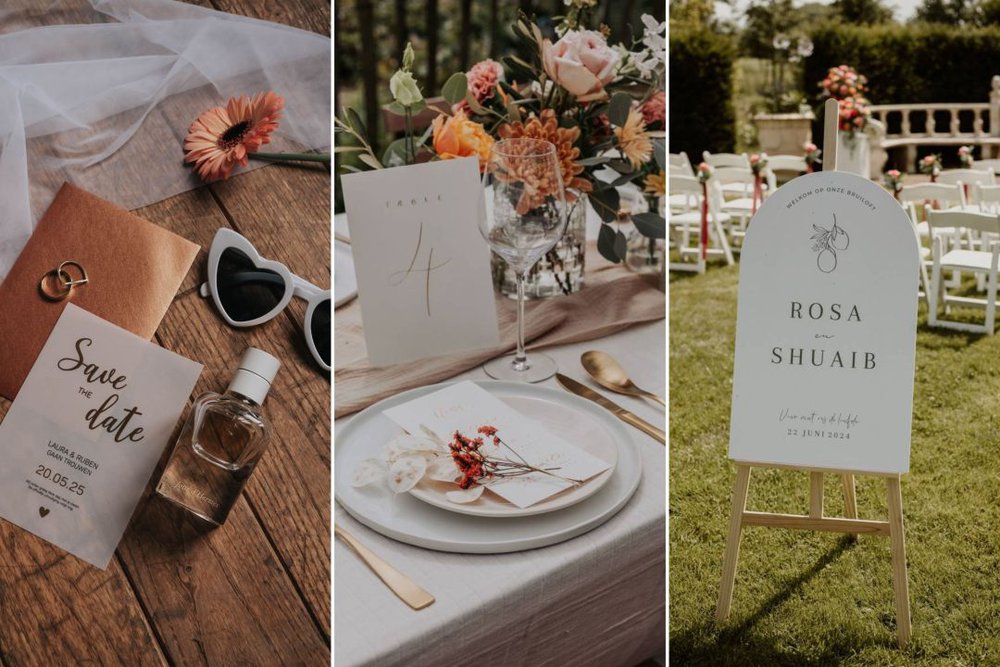
Collaborate with a graphic designer for a fun design on your card, matching the style of your other print work (invitations, menu cards, table number cards, etc.).
Have the cards professionally printed on sturdy paper, transparent plexiglass, or wood for a luxurious finish.
Place a card on each table, at the guestbook and/or photobooth, ensuring your guests see it and make full use of it.
How does a QR code work exactly?
A QR code is a kind of digital shortcut. You generate the code using a free online tool (such as qr-code-generator.com) by uploading a URL or file. The tool creates a visual code that you can download and include on cards, menu cards, thank-you notes, or decorations. Even easier: have your graphic designer generate the QR code and incorporate it into your print work.
Your guests simply point their smartphone camera at the code. On most devices, a link will automatically appear for them to click. Ensure the link is reliable and accessible (like a shared Google Drive folder, wedding website, or online guestbook), and test the code on different phones beforehand.
Tip: Add a short explanation next to the QR code, such as "Scan with your camera" or "Use your smartphone camera to scan and open this code." This helps avoid confusion, especially for guests less familiar with digital technology.